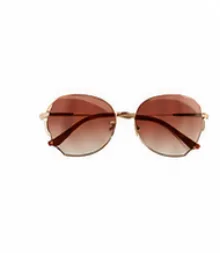
SunglassesAccessories
 ELWEAR $245 coins
What can I help with today?
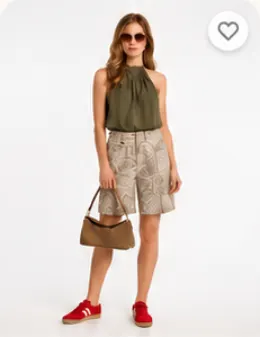
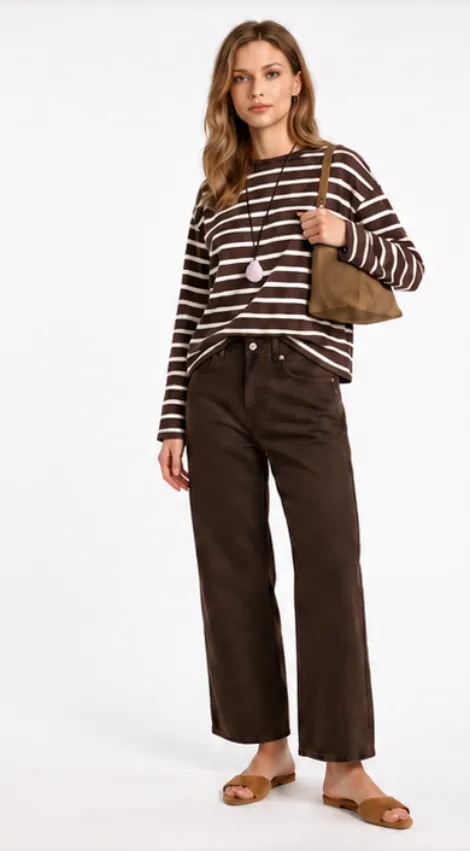
ELWEAR builds outfits around current trends, gives personal style advice, and matches new pieces with what you already own.
ELWEAR builds ready outfits for an occasion or a mood.

The app reviews your outfit and gives simple advice on how to make it stronger.

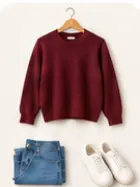
Show a piece from a store and ELWEAR will match it with the best items from your wardrobe.

All your clothes in one place: easy to browse, combine, and avoid buying extras.

More than an app: a calmer morning and a wardrobe that stays in order.
Stop standing in front of the closet. Get ready outfits in seconds.
Find new combinations in the clothes you already own, and wear the whole wardrobe.
Know what the wardrobe is missing before you buy. Fewer impulse purchases.
From photos of your clothes to a considered outfit, with a clear description and advice.
Add photos of your clothes. ELWEAR will work from that wardrobe.
Say in a few words what you need: an occasion, a mood, or a specific piece.
ELWEAR builds outfits from your clothes that match your request and your style.
ELWEAR fits how you use it: an Android app and a light web version for iPhone.
Android users get the full ELWEAR app: fast to open, outfits available offline, and a smooth interface.
Available on Google Play and RuStore. Coming soon to the App Store.
iPhone users get a light web version: open the site in Safari and add it to the Home Screen.
Instructions for adding it to the Home Screen appear on the first launch.
Early users are already trying ELWEAR and sharing what they think
“ELWEAR completely changed how I choose clothes. No more chaos in front of the closet — just ready outfits for my day.”

“I save at least 15 minutes in the morning. The app shows 1–3 ready options, and I just pick the mood for the day.”

“I finally see what suits me. ELWEAR quietly highlights combinations that work and helps me skip extra purchases.”

A short look at how the ELWEAR AI stylist works.
Try ELWEAR for free and see what it can do